Quick Summary
A demo for a clinical analysis of cell-free DNA fragmentation profiles of diagnosed vs. relapsed neuroblastoma patients based on Trinidad et al. 2023.
DNAvi - Tutorial 1: Image Analysis
This video tutorial will guide you through image-based analysis of cell-free DNA fragmentation profiles with DNAviWEB.
DNAvi - Tutorial 2: Generating a signal table
A demo for how to export the CSV signal table from TapeStation Software.
DNAvi - Tutorial 3: Generating a signal table with DNAvi
This short tutorial will show an alternative strategy to generate a signal table - simply by using DNAviWEB!
DNAvi - Step-by-Step tutorial
This demo part will guide you through differential fragmentation analysis for cell-free DNA in screenshots.
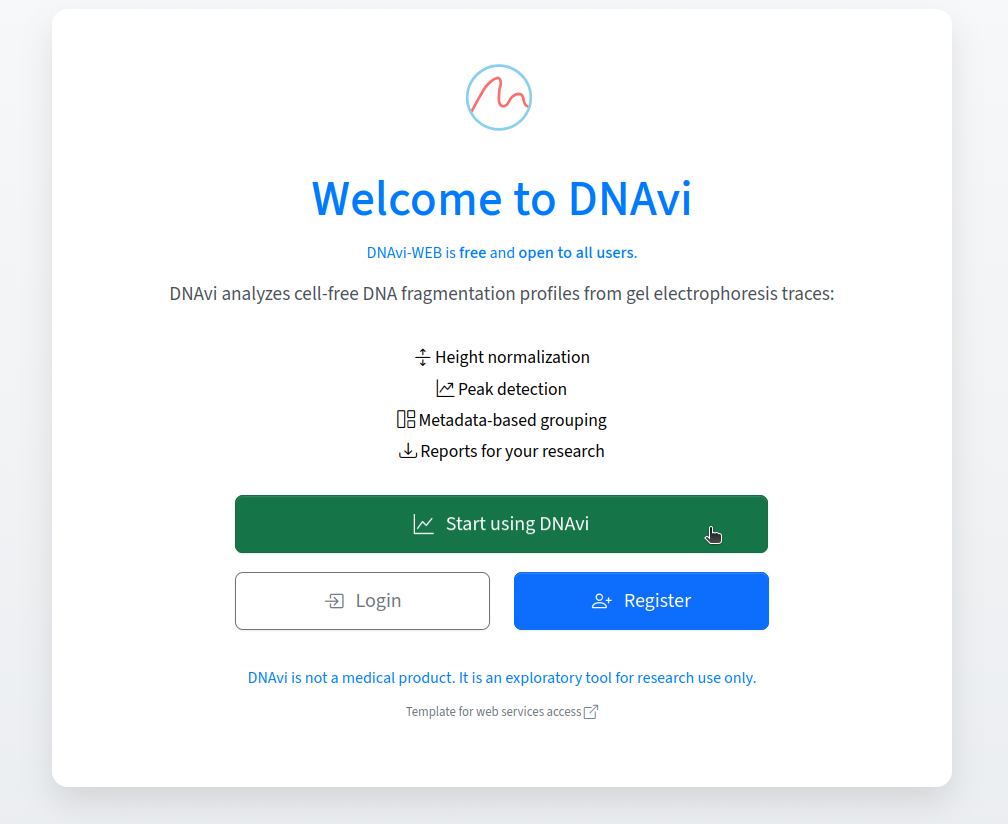
To start, on DNAvi's start page, click the green button to directly start an analysis.
Step 1: Upload gel electrophoresis image or signal table.
On DNAvi's analysis page, the first section allows you to upload files:
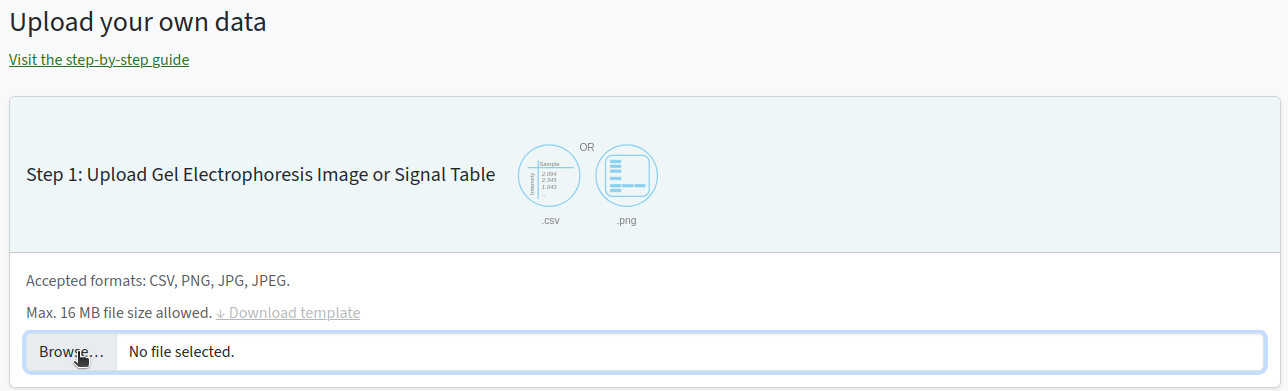
Here, we will look at four samples from diagnosed vs. relapsed neuroblastoma patients in Trinidad et al. 2023. ↓ Download data
We just double-click the image to select and upload it:

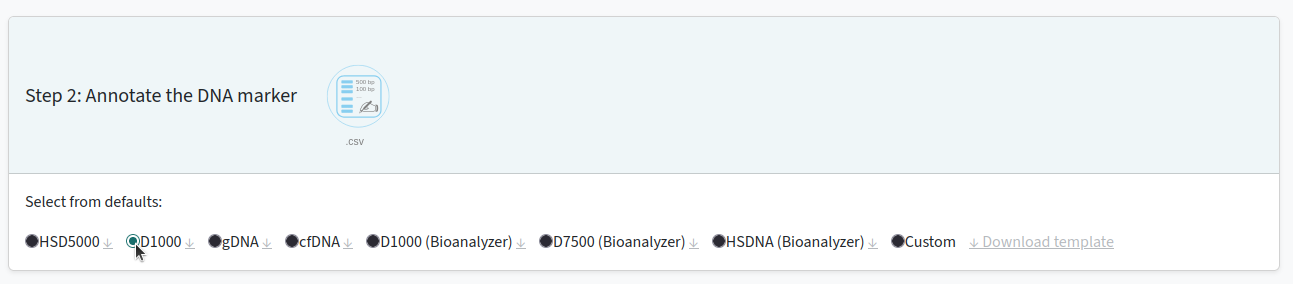
Step 2: choose your DNA size standard
The authors used a D1000 size standard, so we will select this option in the menu.
Step 3: (optional) Add sample metadata
Add a row for each sample in your gel (in our case here that's four samples/gel lanes):
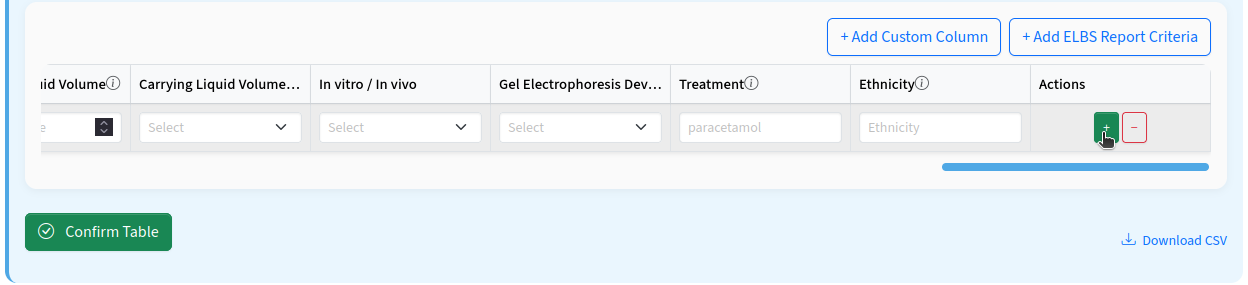
We will add the information on disease and relapse status based on the original publication for our four selected samples.
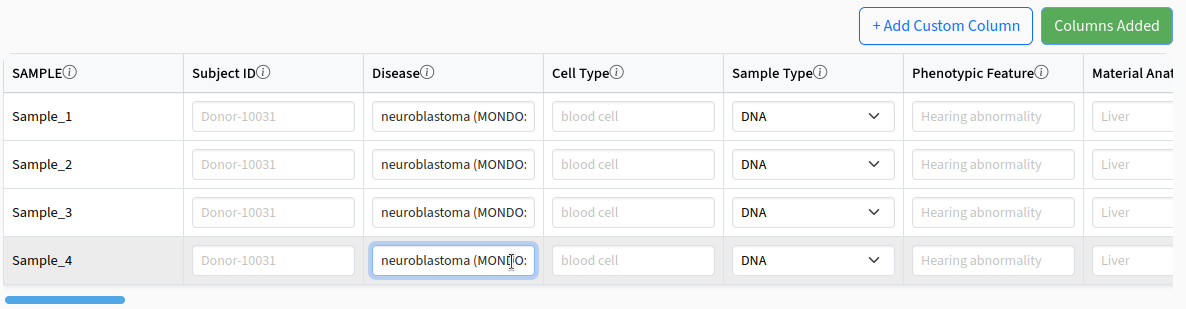
Also add the information on relapse status in the table (select ELBS criteria columns for this feature):
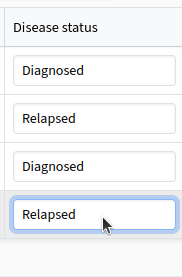
and confirm the table:
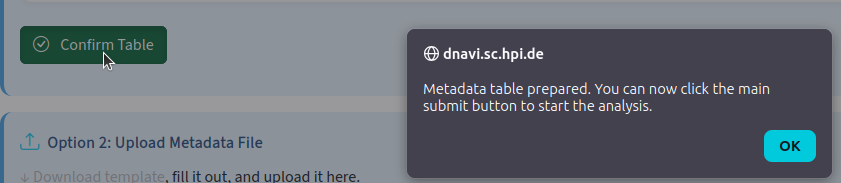
Step 4: Submit for Analysis
Great, we will select the disease status as our group information of interest for statistical comparison:
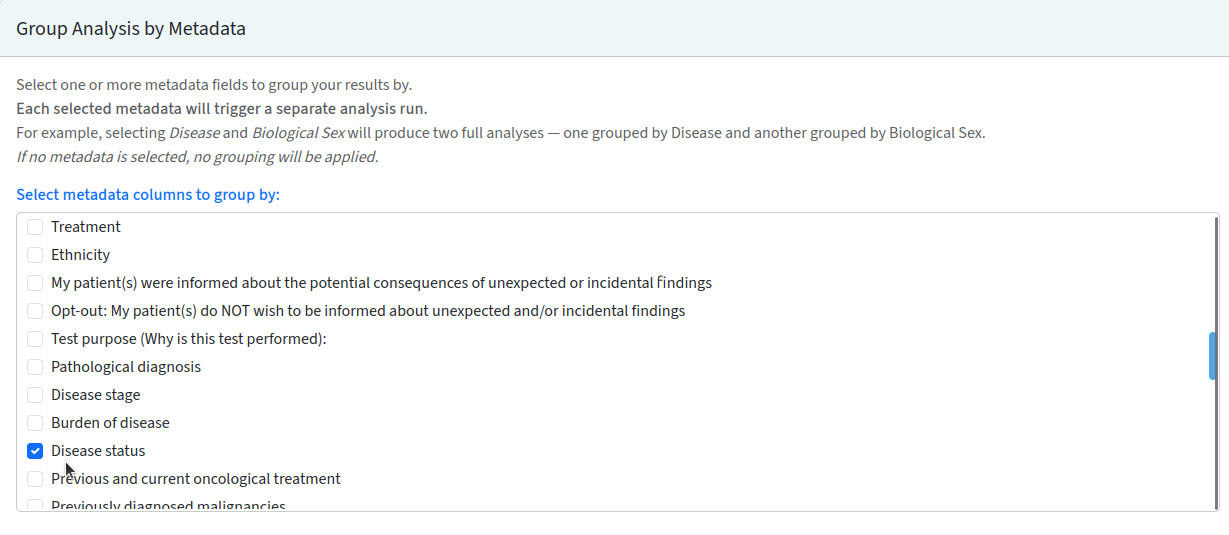
Finally, we confirm that we've read the T&C and submit. You will be asked whether to save the data on the server. This is recommended, as it will allow you to retrieve results later on in the submission dashboard.

Be patient, this may take a while. If logged in, you can also choose to save your analysis files for future use in the submissions' dashboard.
Step 5: Explore Analysis Results & Download
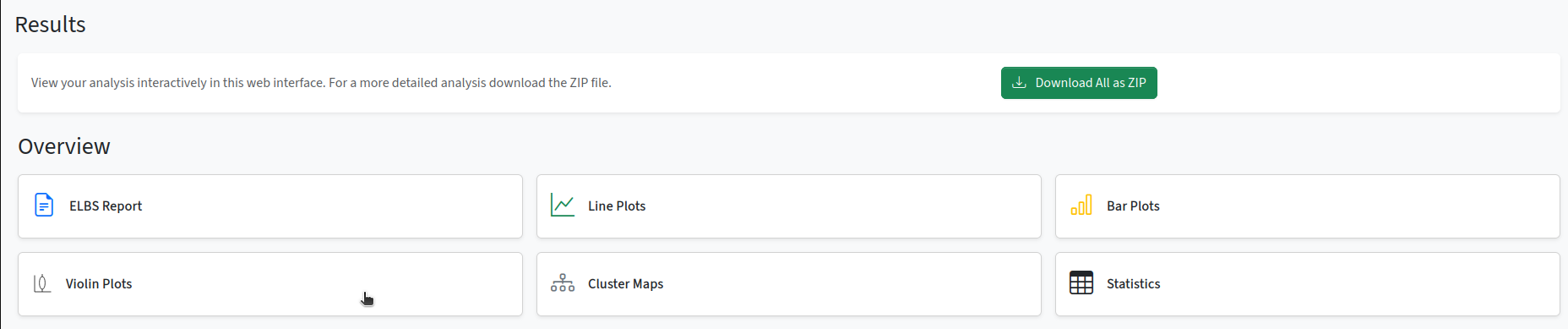
View your analysis results interactively in the web interface, or download a ZIP folder containing all results and plots.
Done! Now you're ready to go ahead with your own data. Please don't forget to cite DNAvi and feel free to contact us if you have any feedback.
Need more help? Use our documentation.